Eight months ago, I wrote about teaching AI to see my business. This is what happened next, including the part that didn't work.
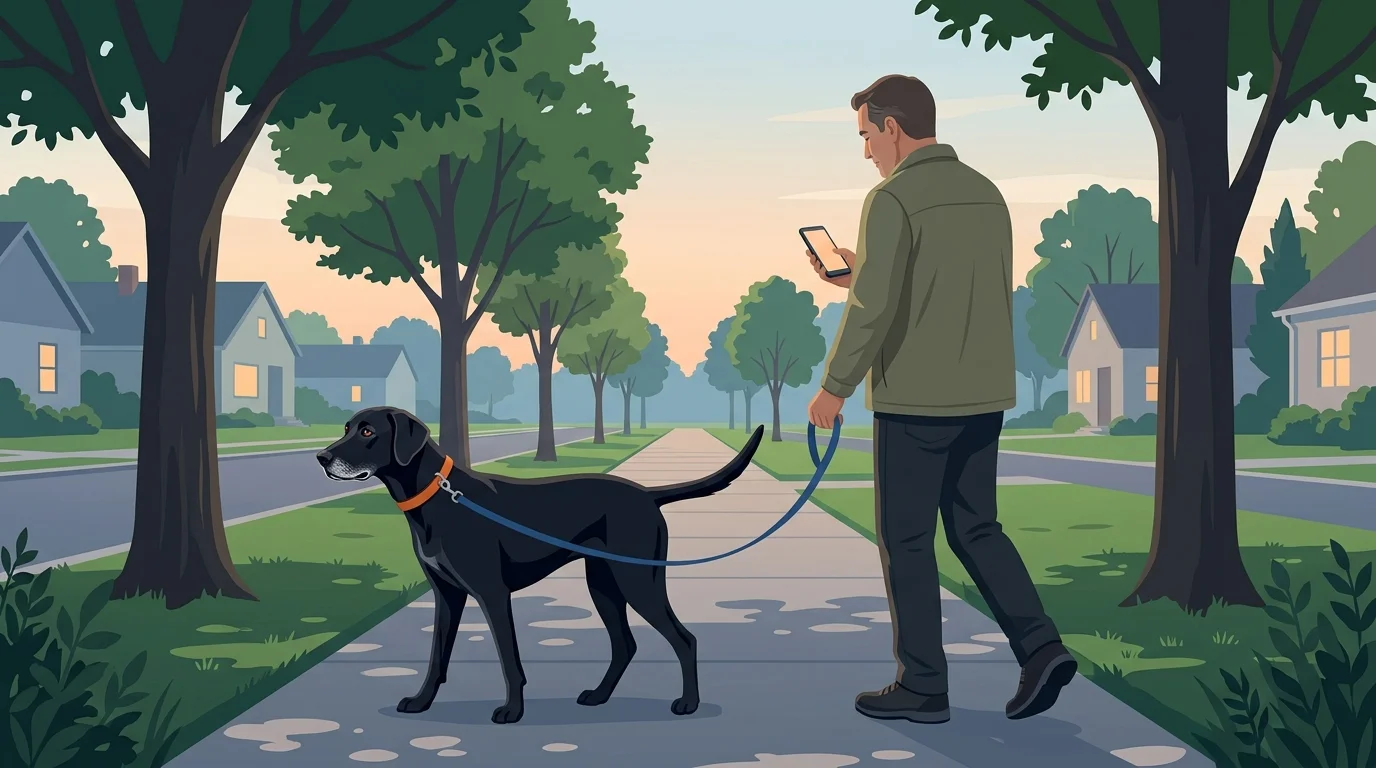
It's early. East Coast business hours haven't started yet; I'm only half awake, and I'm walking Lacey, our dog. My phone buzzes. A client site is down.
If you've run a hosting company, or been on call for anything, you know the next part. The walk is over. I turn around, pick up the pace, and head home, running through what it could be, with that low knot in my stomach that never really goes away in this job.
That walk has been the story of my professional life for twenty years. I've canceled more social plans than I can count, because something broke and a client needed it fixed, or I noticed it first and had to fix it before they did. A while back my wife and I were halfway to a friend's dinner party when the alerts started. We decided she would drive me home and go on without me. She did. A few years before that, a group of friends had planned a boat ride out to a restaurant for the evening. Thirty minutes before we were supposed to leave, my phone went off. I never got on the boat.
That dog walk is the reason I built the thing I'm going to describe at the end of this post. First, some context on everything else we've built.
This Is Not a Beach Story
There's a version of the AI story that goes like this: plug it in, let it run the business, retire to a beach, become a millionaire. I don't believe that version, and nothing I've built points toward it.
What I want from AI is smaller and more useful. I want a better work-life balance. I want to answer clients faster, do better work, take care of more clients, and close out more work every month, because that last one is what actually grows a small business.
In January I wrote The Unsexy AI Revolution, about how I taught Claude to see my business: our sites, our servers, our tickets. That was chapter one. In that version, the AI was very good at helping me while I sat at my desk.
Chapter two is about what it does while I'm not there.
Meet Lacey and Guinness
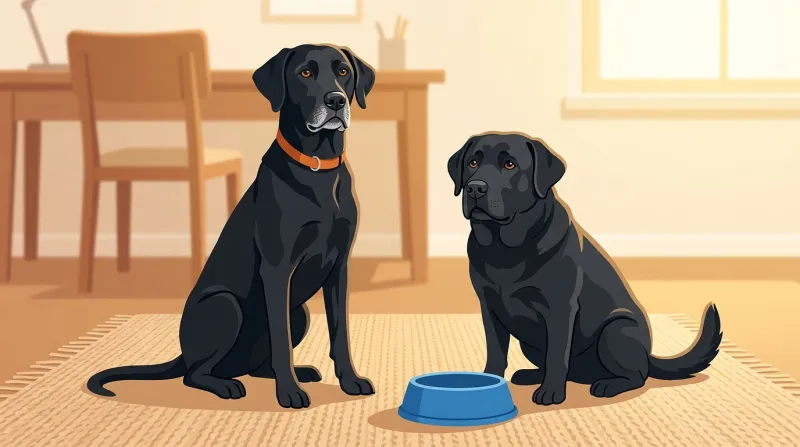
If you're a FatLab client, you've probably already met them. They're the two dogs whose faces show up on some of your ticket messages. Both are named after real dogs.
 |
LaceyWatchdog and Coordinator Lacey greets every new ticket, puts it on the right desk, and keeps an eye on the clock. If you've been waiting too long for a reply, she's the one who lets you know we've got it. She also handles small content fixes, once our project manager gives the OK. Works remotely (she lives in the cloud). Named after my dog, the tall black Lab on the other end of the leash in that walk. |
 |
GuinnessSenior Developer Guinness reads every ticket, decides who should handle it, and does the homework before anyone sits down to work on it. He has the keys to the filing cabinet: every ticket history and client profile we keep. A lot of the time, he does a good share of the work, too. Named after the original FatLab, the dog we named the company after: a true English Labrador who lived for food. We let him get a little chubby. |
Behind both of them is Ashby, the brains. It's my personal operating system: every site we manage, how to reach it, every tool we use, every integration, and hundreds of notes about how we do things. Ashby was my late mother's maiden name. That one's just for me. Clients never see it.
There are also two helpers without dog names: one that sorts my email, and one that starts investigating when a site goes down, before I've even looked at my phone. We'll get to that one.
The Life of a Ticket

The best way to show how this works is to follow one support request from start to finish.
A client writes in. Within a few minutes, Guinness reads it, decides what kind of request it is, and decides whose desk it belongs on.
Some tickets go to our project manager. These usually need a conversation: a question for the client, a clarification, a decision only they can make. Others are real development work, and those come to me or to our development team.
If nobody on the team replies by the time our response window runs out, Lacey sends the client a short acknowledgment so they know someone has the request. She describes what happened; she doesn't make promises.
For simple content changes, Lacey can look at the live site (read-only), find the exact thing the client is asking about, and leave our project manager a note with what she found and a button to approve the change. When the project manager says go, Lacey records how to undo the change before she makes it, then checks her own work afterward. We're still testing that button, and I'll be honest that it's the part we're being most careful with.
For development work, Guinness goes further. He investigates the problem read-only, on the live site and in our records, and leaves a card inside the ticket: what he found, where the problem most likely lives, and where to start. When I sit down, I type resume and the ticket number, and I'm looking at the homework instead of starting from scratch. From there, Guinness and I do the work together, and that absolutely includes changing the site: anything from a simple content update to full development. I'm in that session directing it, checking it, and deciding when it goes live.
When a job is bigger than me, part of that homework is already a brief for our development team. We're a small US team, and a dedicated overseas team (not freelancers) does some development, with all quality control and client communication running through our US team. Handing them work used to mean writing up the whole situation from memory. Now I say, "Take that off my plate and send it to DevOps," and the brief Guinness prepared goes out with the client's files attached, the ticket updated, and our project manager kept in the loop.
Why Some Replies Are Signed by a Dog
Apart from Lacey's automatic "we've got it" note, every message a client gets from us is approved by a person before it goes out. Not every message is signed by a person, and that's on purpose.
Lacey signs those acknowledgment notes, with her picture on them. Guinness signs messages too, and one client asked me whether Guinness was a real person she could be put in direct touch with. I told her no: Guinness is an AI, and that's not a secret. Then I explained why his name is there.
The name on the message tells you who did the work. If you hear from me or anyone else on our team, a person personally handled your request. If you hear from Guinness, most of the work was done by AI.
We do it that way so there's always a record. If there's ever a problem, we can look back at any ticket and know exactly who took charge of it. So far, we haven't had a single issue with it.
The Part That Didn't Work
Lacey was supposed to do the triage. That was the original design: she reads the new ticket, figures out what's being asked and which site it's about, and routes it.
It didn't work, and the reason taught me the most important lesson of this whole project.
Lacey lives in the cloud. Because of that, we made a security decision to give her very limited access. She could see a narrow slice of each site. She couldn't see a client's ticket history. She couldn't see the profiles we keep on each client. Guinness runs on our own machine and can see all of that.
As a result, Lacey's triage was often wrong. Tickets went to the wrong person. Her notes about what was going on were off. Guinness ended up correcting her notes, which meant her triage added a step instead of saving one. The whole point of triage is that when the developer (or Guinness) opens the ticket, they know exactly where to look. A triage you have to second-guess is worse than none at all.
So in September we moved triage to Guinness, and Lacey kept the jobs she's good at. Maybe she gets more access someday. For now the lesson stands: an AI is only as good as what you let it see, and what you let it see is a security decision. You don't get to make those two choices separately.
What It Did for Project Management
The change I'm happiest about isn't mine.
Tickets now reach our project manager with a much higher confidence that they're actually hers. That means she's not spending her morning sorting out what belongs to whom, and the rest of us aren't pulled into client clarifications that she's better at anyway.
Her days are more streamlined. She spends less time untangling tickets that were never hers, and more time on the part of the job she's great at: keeping clients in the loop and keeping their projects moving.
The Rest of the Business
Tickets are central to our work, but not all of it.
- Email. A small, cheap AI model sorts my inbox into folders. Anything from a client or a contact in our CRM stays put. It only deletes based on rules I wrote, and it logs every action so I can undo it.
- Writing. Blog posts and case studies go through a system I wrote about in How I Finally Made SEO Work (Without Writing AI Slop). The short version: AI does the research and the structure, and I do the stories. You're reading one.
- The fleet. When we update the small plugin that runs on every site we host, Ashby deploys it, then checks every site to confirm it's running the exact same version. No "I think that went out everywhere."
- Our own CRM. None of this would be possible if we didn't own DogHouse, the system we built to run tickets and billing. Because it's ours, the AI can use it the way we do.
The Rules Are the Real Product
Here's the thing I didn't understand when I started. Getting AI to do work is easy. Getting it to do work while you're not watching, safely, is almost entirely about deciding what it's not allowed to do, and then making sure it can't do it.
A few of our rules:
- A person approves every reply. Whoever's name is on it, a person has read it and approved it before it goes out. The one exception is Lacey's short acknowledgment, which only says we have the request.
- Unattended means read-only. When the AI works on its own (triaging a ticket, doing the homework, diagnosing an outage), it uses tools that physically can't make changes. We don't just tell it "please don't change anything." We give it a toolbox with no hammer in it. When it does change a client site, a person started that work and is watching it.
- Undo comes first. Before Lacey changes anything, she writes down how to undo it.
- Some things belong to the client. For example, the AI never changes a ticket's priority. That's the client telling us how much it matters to them, and it isn't ours to edit.
Behind those are about six hundred smaller notes that Ashby keeps: how a particular client likes to be written to, which server has a quirk, what went wrong last time we did something a certain way. My goal for that collection is simple. I should never have to give the same instruction twice.
Did Any of It Help?
I said in January that I didn't have hard numbers. This time, I got them from our ticket system. We moved our support tickets into DogHouse in the spring of 2025, so last summer is as far back as a fair comparison goes. Comparing this July through September to the same months last year:
- We're handling roughly twice as many support tickets as we were a year ago.
- We're closing roughly twice as many, too.
- For tickets that came in during business hours, our typical first reply took two to three hours for most of the past year. In August it was about an hour. In September so far (a partial month, so a smaller sample) it's under an hour, and two out of three tickets got a reply within the hour.
Those are support tickets only: the requests clients send us. The day-to-day hosting and maintenance for the 200+ sites we look after doesn't come in as tickets, so none of that is counted here.
A few honest caveats. I was already using AI in 2025, so this isn't a clean before-and-after. Our sales have grown too, so AI didn't bring in those extra clients. And Guinness only started triaging tickets in late September, so these numbers don't measure him yet.
What the numbers do show is the thing I actually care about. The work roughly doubled, and we got faster anyway. Quality is harder to put a number on, but I can tell you our replies say more, because by the time one goes out, the homework's done.
The Walk, Revisited
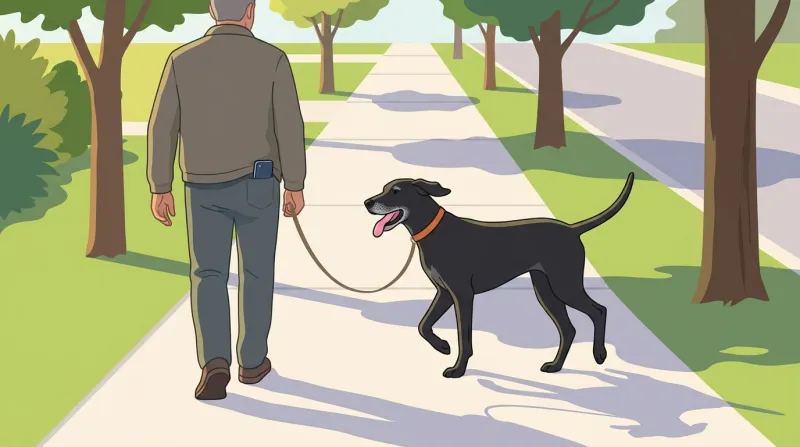
Back to the dog walk.
Ashby's newest piece is an outage responder. It checks our uptime monitoring every minute. If a site stays down for more than three minutes, it opens an AI session that starts investigating on its own, read-only: Is the server up? Is it one site or the whole machine? What changed? That session shows up on my phone. By the time I look, there's a diagnosis waiting, and if it thinks the fix is restarting something, it asks me first. One tap.
I'll be straight with you: it hasn't fired for real yet. We built it and drilled it in late September. But that walk is exactly why it exists.
The next time Lacey and I are out before sunrise and my phone buzzes, I'm hoping I read the diagnosis, tap approve, and keep walking. And maybe, one of these years, I make it onto the boat.
What This Means If You're Our Client
Short version: a person is still responsible for everything that happens on your site and everything we say to you.
AI helps us understand your request faster, investigate before anyone starts, and do a lot of the actual work, from content updates to full development. When it works on its own, it can look but not touch. When it changes your site, a person started that work and decides when it's done. Every reply you get from us is approved by a person, and the name on it tells you who did the work. You still talk to the same people on our team.
Frequently Asked Questions
Does FatLab use AI on my website?
Yes. AI does a lot of our work on client sites, from simple content updates to full development. When it works unattended, investigating a problem or preparing a ticket, it uses read-only tools that can't make changes. When it changes your site, a person on our team started that work and is directing it.
Will an AI answer my support ticket?
Sometimes, and you'll know when it does. A message from Guinness means most of the work on your request was done by AI. A message from anyone else on our team means a person handled it personally. Either way, a person approves every reply before it goes out. The only automatic message is a short note from Lacey confirming we received your request, if nobody has replied yet.
Who do I talk to at FatLab?
The same people as always. You work with our US team, and we handle all communication and quality control.
Shane Larrabee is the founder of FatLab Web Support, a WordPress hosting and support company managing 200+ client websites since 2011.